
Learn everyday skills, one animated step at a time.
Pick a character, tell Mimic what you want to learn, and watch a guide you can pause, slow down, and replay.
Choose your character Pick a built-in character, draw your own, or bring a 3D model.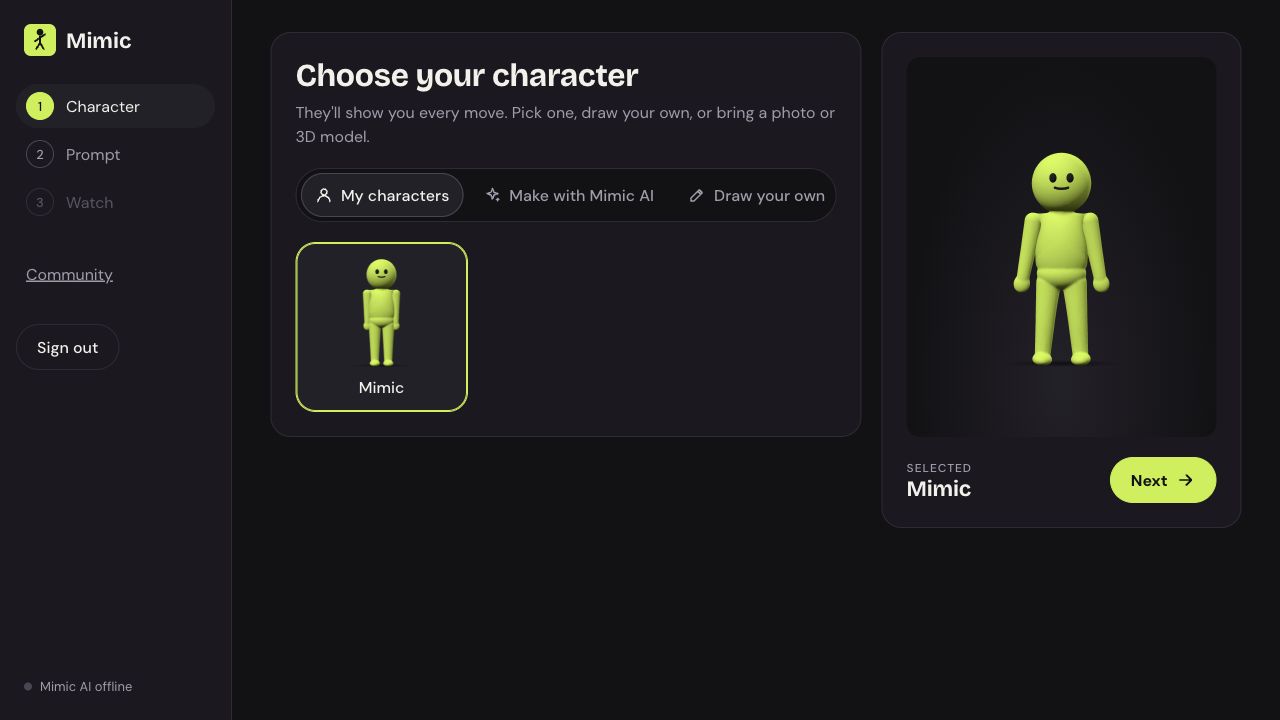
Make the guide your own.
Start with a character you like, or draw one from a blank canvas. Choose your colors, sketch any shape, then set the joints that help it move.
Drawings are saved on your device. You can adjust the outline and joints before saving.
Draw your character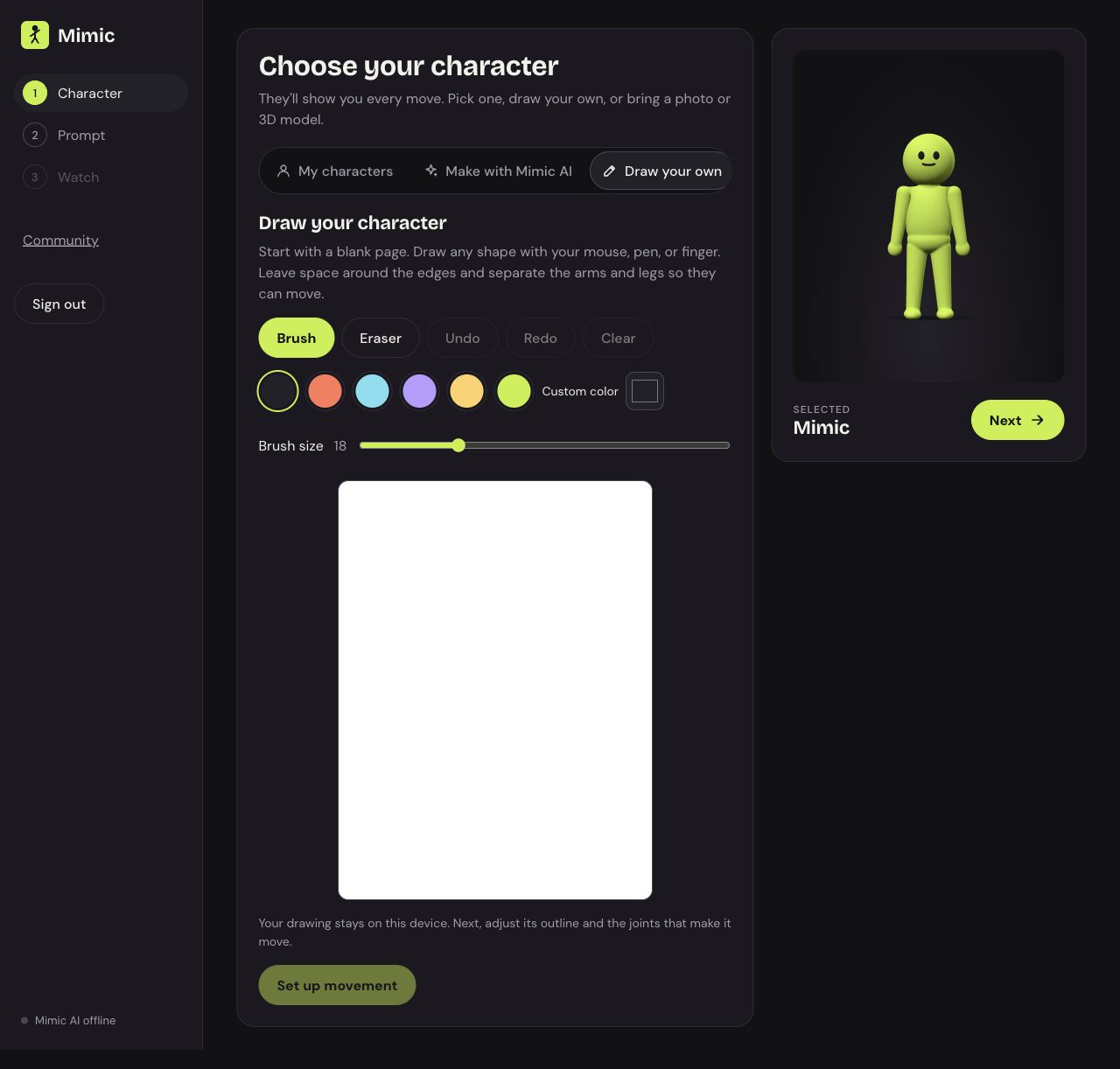
Bring a character of your own.
Upload a GLB or self-contained glTF model, rotate it to take a look, and play its included animation.
Models stay on your device. Imported models keep their own animation; automatic limb retargeting is not supported yet.
Open the character tools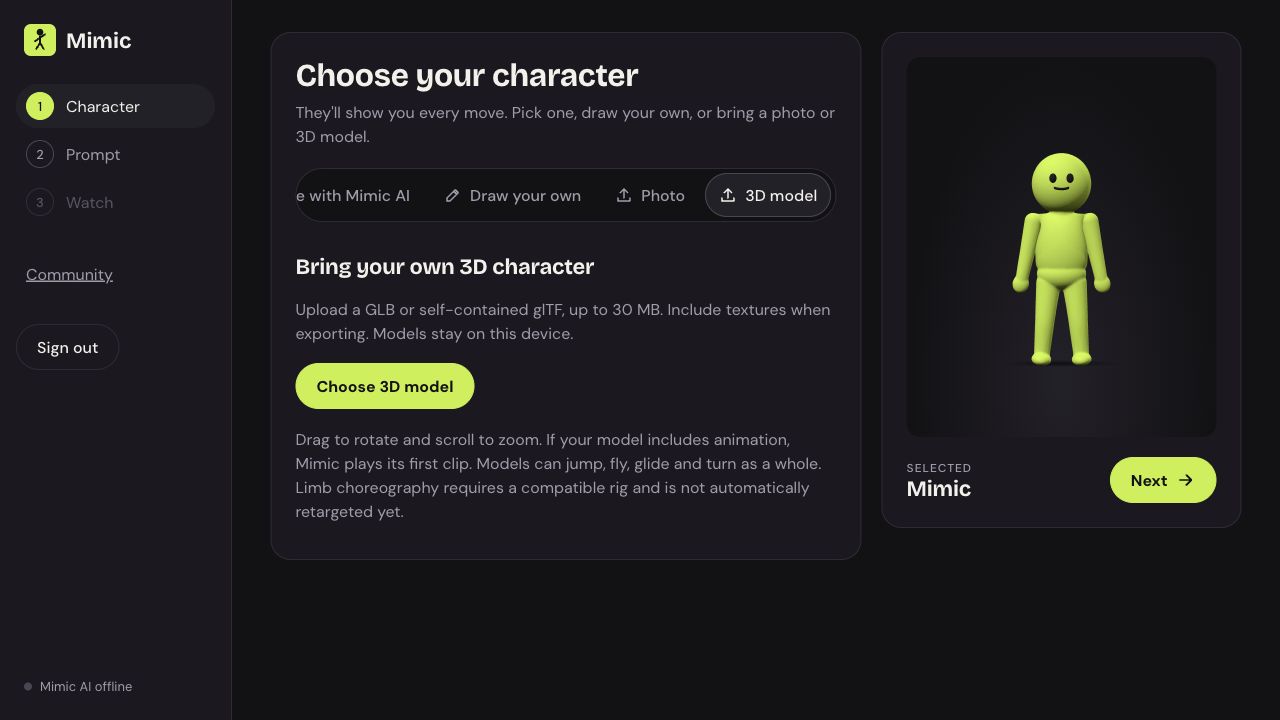
Watch. Try. Replay.
Ask for a skill or choose a built-in lesson. Follow the step captions, adjust the playback speed, and jump back whenever you need another look.
Choose your character